Posts

Showing posts from September, 2018

Microsoft Convergence is back

 It has been over 10 years since Microsoft hosted their Convergence conference for Microsoft business applications.  It is happening in Miami, FL on December 10th & 11th.  I am lucky to be attending and also presenting a session.  My session will be Using Power Platform to automate the accounting department in Dynamics 365 Finance.  Hopefully you will be attending and have an opportunity to join my session. I am posting my slides here, so if you attend and want the slides, you can get them here.  Using Power Platform slides   Even if you are unable to make the session, feel free to download my slides.
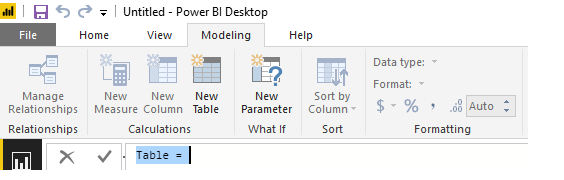
Creating a date table with a fiscal year in your Power BI data model

Image
There are many different articles available on Time Intelligence in Power BI.   Many new users to Power BI do not really understand the importance of having a date table in their data model.   I have spoken on this topic on many different occasions and continue to receive a lot of questions about the topic.   In this article I am going to try and cover a few tips on how to work with dates in your Power BI model. Many new users simply use the Auto Date & Time function of Power BI.   This function automatically creates a hidden date table for each field in the model with a date or date/time data type.   This function is enabled by default and it allows for slicing by Year, Quarter, Month and Day.   The problem with Auto Date and Time is that it only works with a standard calendar (Jan to Dec).   It requires a datetime column in the fact table.   It does not work with multiple fact tables and it does not support time intelligence calculatio...